
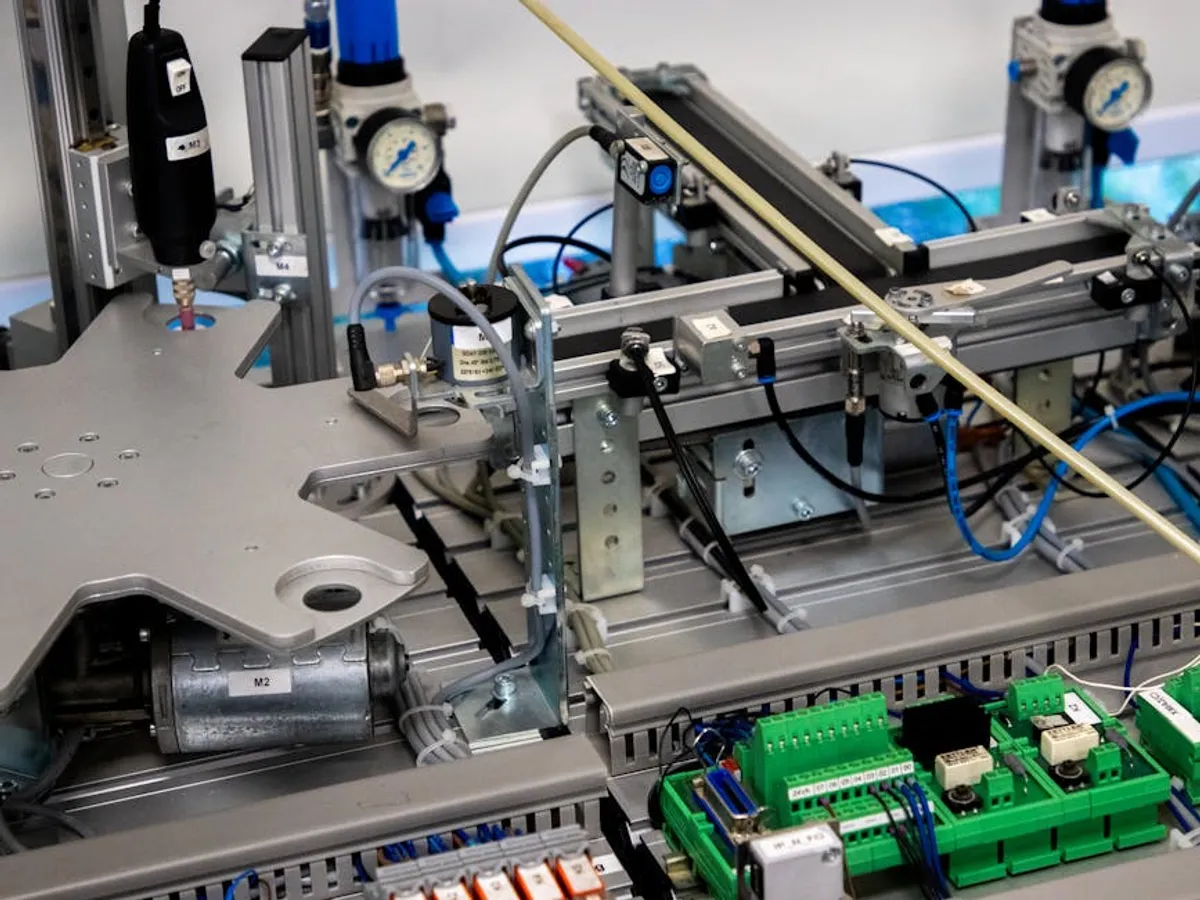
Small businesses often operate with limited resources, making efficiency not just a goal, but a necessity for sustained growth. Process automation provides a strategic pathway to overcome these constraints, allowing businesses to perform more with existing staff and infrastructure. Rather than viewing automation as a complex technological overhaul, consider it a systematic approach to offload repetitive, rule-based tasks that consume valuable time and introduce potential for human error. This checklist focuses on identifying suitable processes, strategizing implementation, and ensuring the new workflows deliver measurable benefits, enabling owners and teams to concentrate on strategic initiatives and customer relationships.
Identifying Automation Opportunities
The first step in leveraging automation is to pinpoint which internal processes are most amenable to it. Not every task benefits equally from automation; the most impactful candidates are typically those that are repetitive, follow predictable rules, occur frequently, and consume significant staff time.
Repetitive Tasks Analysis
Begin by documenting daily and weekly activities across departments. Look for tasks that involve moving data between systems, generating standard reports, or sending routine communications. For example, manually updating customer records in a CRM after a sale, compiling weekly sales figures from disparate spreadsheets, or drafting standard follow-up emails are prime candidates. Automating these frees up personnel to engage in more complex problem-solving or direct customer interaction.
Data Entry and Management
Manual data entry is a common source of inefficiencies and errors. Consider processes like onboarding new clients, managing inventory updates, or processing invoices. If your team is spending hours transcribing information from one system to another, or manually reconciling financial records, automation can significantly reduce this burden. Solutions can capture data from documents, populate forms, and synchronize information across platforms, ensuring accuracy and consistency.
Customer Communication Workflows
While personalized communication remains vital, many customer interactions follow predictable patterns. Think about welcome emails for new subscribers, appointment reminders, feedback requests after a service, or responses to frequently asked questions. Automating these sequences ensures timely engagement, maintains brand consistency, and allows sales or support staff to focus on unique customer needs and complex inquiries.
Building Your Automation Strategy
Once potential areas are identified, a structured approach to implementation is crucial. An effective strategy moves beyond simply picking a tool and focuses on clear objectives and process understanding.
Define Clear Objectives
Before selecting any automation platform, articulate what you aim to achieve. Is the primary goal to reduce operational costs by X percent, decrease processing time for Y task by Z hours, improve data accuracy, or enhance customer response times? Specific, measurable, achievable, relevant, and time-bound (SMART) objectives provide a benchmark for success and guide tool selection.
Map Current Processes
Thoroughly document the existing "as-is" process, step by step. Identify all inputs, outputs, decision points, and involved stakeholders. This mapping reveals bottlenecks, redundancies, and potential points of failure that automation can address. Subsequently, design the "to-be" automated process, detailing how each step will be handled by the system, what human intervention remains, and how exceptions will be managed.
Select Appropriate Tools
The market offers a range of automation solutions, from simple task schedulers to more integrated workflow platforms. Focus on tools that align with your defined objectives and integrate seamlessly with your existing software stack. Prioritize platforms that offer scalability, robust security features, and clear documentation. Avoid over-engineering; start with tools that address your most pressing needs effectively rather than seeking a single, all-encompassing solution from the outset.
Implementation and Optimization
Successful automation extends beyond initial setup; it requires a thoughtful rollout and continuous refinement.
Phased Rollout and Testing
Instead of a full-scale deployment, implement automation in phases, starting with a pilot project. Choose a less critical process or a smaller department to test the new workflow. This approach allows for identification and correction of issues in a controlled environment, minimizing disruption. Rigorous testing ensures the automated process performs as expected under various conditions, including handling exceptions or unusual inputs.
Training and Adoption
Automation changes how employees work. Provide clear communication about the benefits of automation, address concerns, and offer comprehensive training on new processes and tools. User adoption is critical; if employees don't understand or trust the automated system, they may revert to manual methods, negating the investment. Involve key users in the testing phase to foster ownership and advocacy.
Performance Monitoring and Iteration
Post-implementation, continuously monitor the automated process against your initial objectives. Track key performance indicators (KPIs) such as time saved, error rates, cost reduction, or improved response times. Gather feedback from users and stakeholders. Use this data to identify areas for further optimization, expand automation to new tasks, or refine existing workflows. Automation is an ongoing journey, not a one-time project.
Pro Tip: Do not automate a broken process. If an existing manual workflow is inefficient or poorly designed, automating it will only make it inefficient at scale. Always optimize and standardize the manual process first, then introduce automation to enhance its efficiency.
Key Areas for Small Business Automation
Consider these specific functional areas for high-impact automation:
- Marketing & Sales:
- Automated email sequences for lead nurturing and customer onboarding.
- Scheduling social media posts and tracking engagement.
- Updating CRM records based on customer interactions.
- Operations & Administration:
- Automated invoice generation and payment reminders.
- Employee onboarding workflows (document signing, access provisioning).
- Inventory level alerts and reorder triggers.
- Customer Service:
- Chatbot responses for common inquiries.
- Automated ticket routing and escalation.
- Feedback collection and survey distribution.
- Finance:
- Automated expense reporting and approval workflows.
- Reconciliation of bank statements with accounting software.
- Generating routine financial reports.
Moving Forward with Automation
Embracing process automation is a strategic decision that positions small businesses for resilience and growth. It's not about replacing human effort entirely, but rather augmenting it, allowing your team to focus on creativity, strategy, and high-value customer interactions. Start small, measure impact, and iterate. A well-executed automation strategy transforms operational challenges into competitive advantages, fostering a more agile and efficient business environment.
Frequently Asked Questions
What is the most critical first step for small businesses considering automation?
The most critical first step is to thoroughly identify and map out your current manual processes, looking for repetitive, rule-based tasks that consume significant time or are prone to human error. Understanding your existing workflows is essential before attempting to automate them.
How can I ensure my team adopts new automated processes?
Ensure team adoption by clearly communicating the benefits, involving key users in the planning and testing phases, and providing comprehensive training. Address concerns proactively and highlight how automation frees them from tedious tasks to focus on more rewarding work.
Is process automation only for large companies with big budgets?
No, process automation is highly beneficial for small businesses as well, often even more so due to limited resources. Many affordable and scalable tools are available that cater specifically to the needs of smaller enterprises, allowing them to gain significant efficiencies without a large upfront investment.
What are the immediate benefits a small business can expect from automation?
Immediately, small businesses can expect to see reduced operational costs, significant time savings for employees, improved data accuracy, and faster response times for customers. These benefits directly contribute to increased productivity and a stronger competitive position.